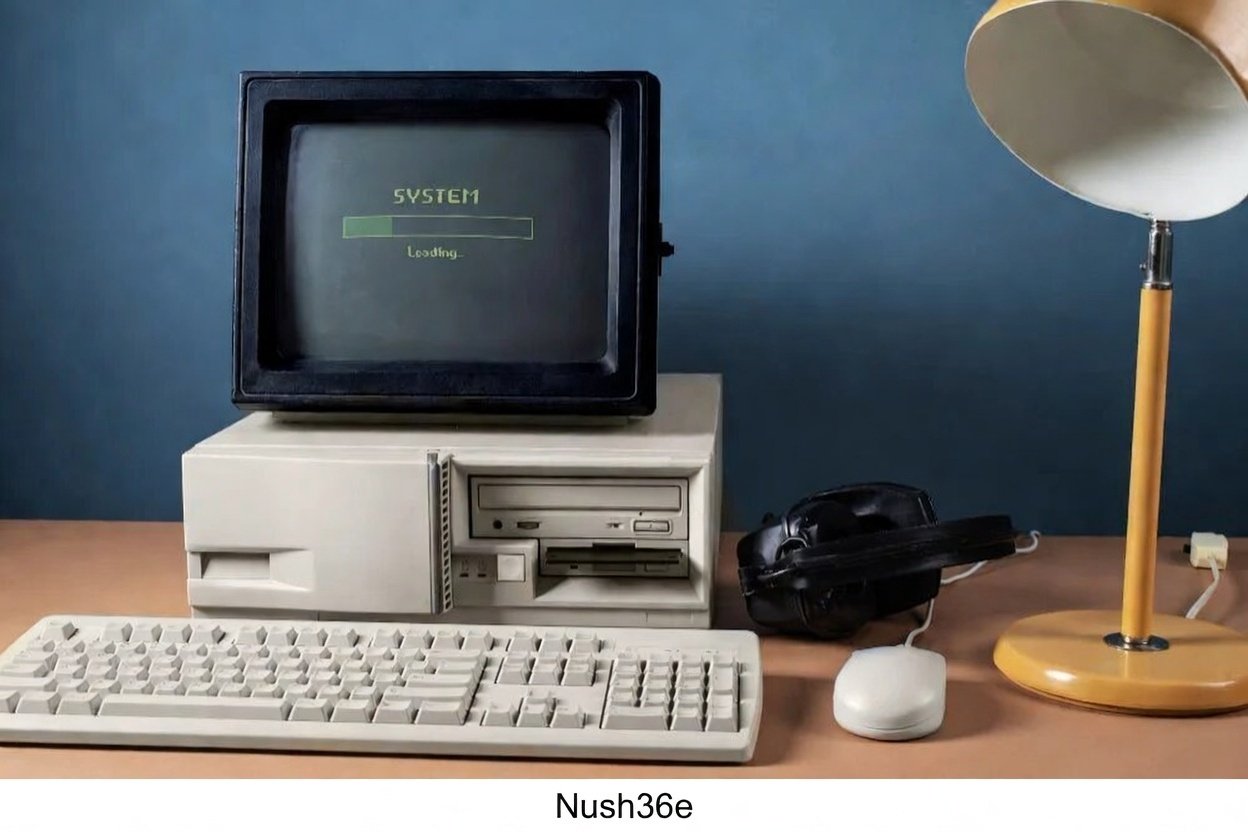
Nush36e stands out as a key tool in the world of retro computing. This unofficial driver package brings modern USB convenience to one of the most beloved operating systems from the late 1990s. If you run Windows 98 on old hardware, Nush36e solves a major limit by enabling reliable access to USB flash drives and other storage devices.
What Exactly Is Nush36e?
Nush36e (often written as nusbh6e.exe or NUSh36E) is the final version (3.6, released around 2010) of the Maximus-Decim Native USB Drivers project. It focuses on USB mass storage support for Windows 98 SE and sometimes ME. The patch installs updated drivers and INF files that let the OS recognize USB sticks, external hard drives, and similar devices as standard drives.
Unlike stock Windows, which needed device-specific drivers (often unavailable), Nush36e uses a generic approach. This means most common USB storage works out of the box after installation. It also boosts USB 2.0 compatibility when you add a compatible PCI card, such as those with NEC chipsets.
The “e” in Nush36e points to the English-language version, the most common and stable one. Other languages had issues, but community fixes exist for non-English setups.
Why Nush36e Became So Popular in Retro Communities
Retro enthusiasts on forums like Vogons and sites dedicated to old hardware praise Nush36e for breathing new life into classic machines. In the early 2000s, USB became standard, but Windows 98 users felt left behind. Floppy disks topped out at 1.44 MB, and burning CDs took time. Nush36e arrived as a community solution, letting people use gigabyte-sized flash drives on Pentium-era systems.
It ranks well in searches because it answers a specific pain point: “How do I use a USB drive on Windows 98?” Guides on Vogons, Phil’s Computer Lab, and personal blogs highlight its reliability. Users report success on diverse setups, from Slot 1 boards to thin clients like Wyse VX0 models.
For example, installing Windows 98 SE on a Wyse Vx0 thin client often fails at USB access without this patch. Adding Nush36e makes the ports work, allowing file transfers from modern USB sticks during setup or daily use.
Key Benefits of Using Nush36e
Here are the main advantages that make Nusb36e a must-have:
- Enables USB flash drive access — Plug in a stick and see it as a drive letter (e.g., D: or E:).
- Supports USB 2.0 speeds (with compatible hardware) — Faster transfers than USB 1.1.
- Generic mass storage driver — Works with many brands without hunting for specific files.
- Fixes common issues — Reduces errors like yellow exclamation marks in Device Manager or unrecognized devices.
- Lightweight — Adds minimal overhead to resource-limited old PCs.
- Helps with retro gaming and data recovery — Load ROMs, save files, or pull data from vintage systems easily.
Without it, USB ports on Windows 98 often stay limited to mice/keyboards or require cumbersome workarounds.
How to Install Nush36e Step by Step
Follow these simple steps for a smooth setup. Always back up important files first.
- Download the file — Get nush36e.exe from trusted retro sources (check community mirrors for safety).
- Prepare your system — Boot into Windows 98 SE. Use a PS/2 keyboard/mouse if USB is unreliable at first.
- Remove old USB entries (recommended) — Open Device Manager (right-click My Computer > Properties > Device Manager). Expand “Universal Serial Bus controllers.” Remove all items (including unknown devices) related to USB. Restart if prompted.
- Run the installer — Double-click nush36e.exe. Accept the license, choose install options if shown, and let it complete.
- Restart the computer — Windows reinstalls drivers during boot.
- Test it — Plug in a USB flash drive. It should appear in My Computer with a new drive letter.
- Troubleshoot if needed — If issues arise, remove conflicting drivers again or check for language mismatches (English version works best on English OS).
Tip: For thin client installs (like Wyse VX0), copy nush36e.exe to your bootable USB or CD before starting Windows setup. Run it right after the base install to enable ports.
Compatibility and Hardware Tips
Nush36e shines on Windows 98 SE, with partial support for other variants. It works best on English OS installs. For non-English versions, some users report menu changes or crashes, but fixes involve restoring original system files like USER32.DLL from the install CD.
Hardware-wise:
- Built-in USB 1.1 controllers get mass storage support.
- Add a USB 2.0 PCI card (NEC uPD720100 chipset recommended) for faster speeds.
- Avoid chipset conflicts — Install unified drivers for ALi/ULi or VIA first if needed.
- Thin clients (e.g., Wyse VX0 with VIA chips) benefit hugely, as seen in detailed guides.
Always match the patch to your OS language for stability.
Common Issues and Fixes with Nush36e
Even a great tool like Nush36e can hit snags. Here’s a quick list:
- Device not recognized — Re-run the installer or remove/re-add in Device Manager.
- BSOD after install — Likely language mismatch; restore backed-up system files.
- Slow transfers — Normal on USB 1.1; add a USB 2.0 card for improvement.
- Conflicts with other drivers — Uninstall motherboard USB drivers before applying Nush36e.
- No drive letter — Check BIOS USB settings or try a different flash drive.
Community threads offer solutions, often with success stories after minor tweaks.
Advanced Uses in Retro Setups
Beyond basic file transfers, Nush36e supports creative projects:
- Load game ROMs directly from USB for emulators.
- Backup old hard drives to modern storage.
- Install software from large USB drives instead of CDs.
- Run Windows 98 on virtual machines or real hardware with easy data exchange.
Pair it with other patches (RAM tweaks, service packs) for a more modern-feeling experience on vintage PCs.
Conclusion
Nush36e remains a cornerstone for anyone keeping Windows 98 alive. It turns a major limitation into a non-issue, making retro computing more enjoyable and practical. Whether restoring an old family PC, building a retro gaming rig, or exploring thin client mods, this patch delivers reliable USB support.
Have you used Nuhb36e on your setup? What hardware did it help the most? Share your experiences in the comments!